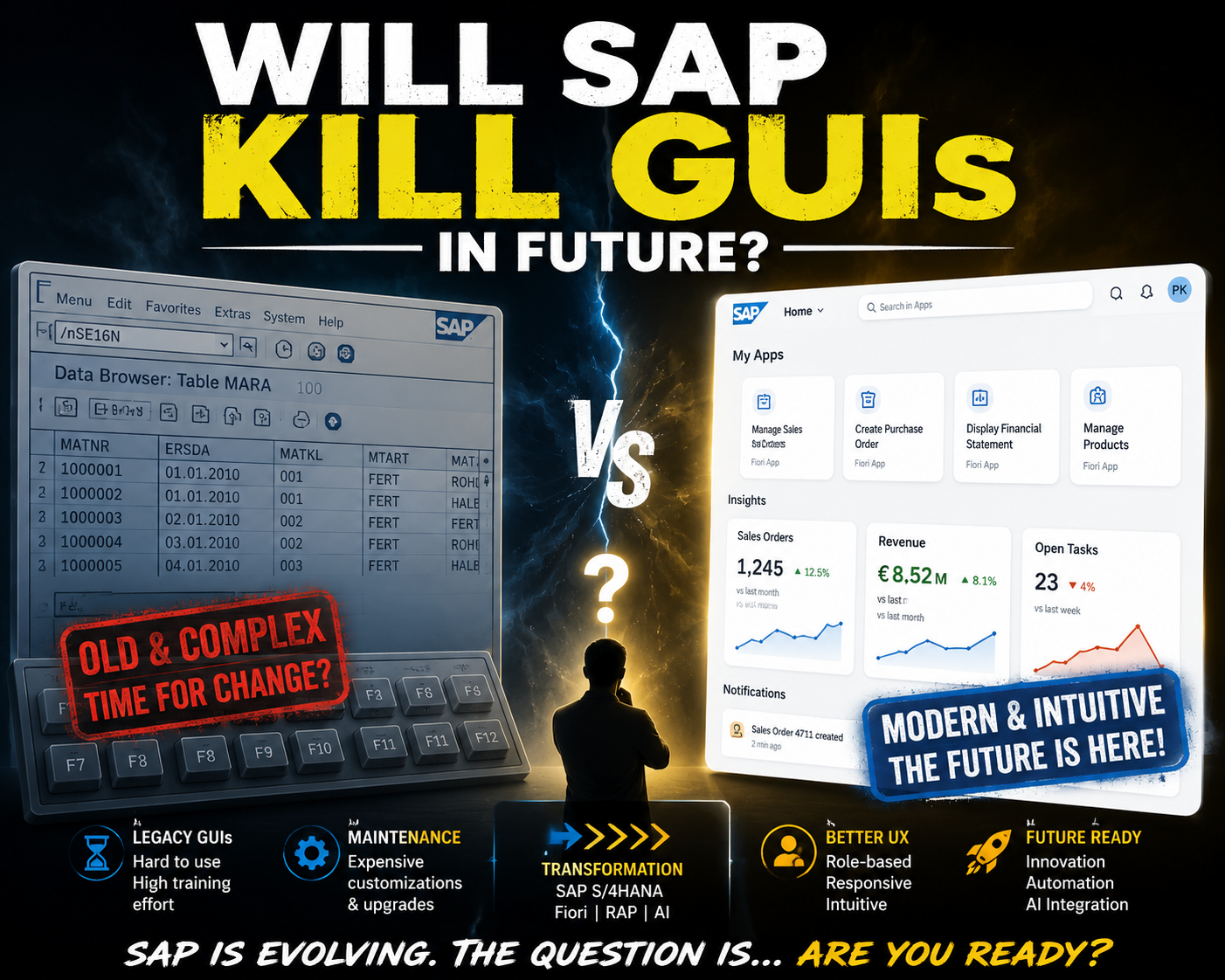

The development of user interfaces for SAP applications has a long history. Over the decades, SAP has continuously evolved its UI technologies by introducing new approaches based on changing market trends and user expectations.
The Beginning: SAP GUI
The journey of SAP UI started with SAP GUI, one of the first graphical user interfaces developed by SAP.
SAP GUI is based on the Dynpro (Dynamic Programming) framework. Dynpro is used for developing dialog-based applications in SAP systems. The name stands for Dynamic Programming, which refers to the dynamic creation of application screens.
The main purpose of SAP GUI was to provide a classic, transaction-based interface that enabled users to access SAP ERP systems and other SAP applications. It was highly functional, reliable, and served businesses well for many years.
However, SAP GUI also had its shortcomings.
Although it focused heavily on functionality, user experience was never its primary objective. As years passed, consultants and end users started expecting applications that were easier to use, visually appealing, and more intuitive.
Today, we live in a world where user interfaces play a major role. Technologies like Industry 4.0, Web 3, AI-powered applications, and even 3D animated websites have completely changed user expectations.
While these modern interfaces may look attractive, they are often more prone to errors or unnecessary complexity. On the other hand, SAP GUI continued to provide a stable and robust interface that successfully served its original purpose.
The First Step Towards Web Applications
In the early 2000s, SAP introduced Business Server Pages (BSP).
This technology laid the foundation for web-based SAP applications. BSP applications were developed using ABAP, while HTML and JavaScript were used to render the pages in the browser.
Although BSP made it possible to create web applications running directly on the SAP Application Server, it came with several limitations.
Some of the major drawbacks were:
- Limited flexibility
- Poor performance
- Difficult maintenance
- Limited scalability
Despite these limitations, BSP was an important milestone because it marked SAP’s first serious move toward browser-based applications.
Web Dynpro: A Major Improvement
In the mid-2000s, SAP introduced another important milestone—Web Dynpro.
SAP released two versions:
- Web Dynpro ABAP
- Web Dynpro Java
Web Dynpro introduced several improvements over BSP.
The biggest advantages were:
- Reusable UI components
- Clear separation of business logic and user interface
- Better maintainability
- Structured application architecture
For many years, Web Dynpro became the preferred technology for enterprise web applications.
The Turning Point: SAPUI5 and SAP Fiori
The biggest turning point in SAP UI evolution came in 2012 with the introduction of SAPUI5.
A common misconception is that SAP Fiori came first and SAPUI5 was introduced later.
In reality, the opposite happened.
SAPUI5 was introduced in 2012, while SAP Fiori was introduced in 2013.
Many people still use the terms interchangeably, but they are not the same.
SAP Fiori is a collection of design guidelines, principles, and user experience standards that define how SAP applications should look and behave.
SAPUI5, on the other hand, is the JavaScript framework used to build those applications.
Applications that follow Fiori principles are:
- Role-based
- Responsive
- Consistent
- Modern
- User-friendly
Over the years, both SAPUI5 and Fiori have continuously evolved to provide a better and more consistent user experience.
Is SAP Really Killing SAP GUI?
This is probably one of the most common questions among SAP developers.
The answer is No.
The future of SAP GUI depends on several factors, including:
- SAP ERP support timelines
- Database support
- Operating system support
- Software maintenance lifecycle
- Desktop client support
SAP is not suddenly abandoning the classic desktop interface.
Instead, the company is gradually shifting towards web-native and AI-powered platforms while continuing to support existing desktop technologies.
SAP GUI Support Timeline
A good example is SAP GUI for Windows 8.10.
SAP GUI 8.10 was released on July 16, 2026, demonstrating SAP’s continued investment in the desktop client.
According to SAP’s official lifecycle information:
- SAP GUI 8.10 is supported until June 30, 2029
- It supports Windows 11 and Windows Server 2025
- Windows 10 support follows Microsoft’s operating system lifecycle
These timelines clearly show that SAP has no immediate plans to discontinue SAP GUI.
Instead, SAP is gradually encouraging customers to adopt web technologies while continuing to maintain the desktop client.
Recent SAP Announcements
Recent announcements at SAP TechEd 2025, SAP TechEd 2026, and SAP Sapphire 2026 introduced several updates to SAP’s design framework, developer tools, and deployment strategies.
The overall objective is to simplify application development and make cloud adoption easier.
One important architectural change is related to SAP S/4HANA deployments.
Previously, organizations had to choose between:
- Standalone Front-End Server (FES)
- Embedded Front-End Server
To reduce system complexity, SAP now recommends moving towards the Embedded Front-End Server, where SAP Gateway components are directly integrated into the application server.
This simplifies system architecture and reduces maintenance effort.
AI is Coming to SAP GUI
One of the most interesting updates is the integration of AI into classical SAP screens.
SAP GUI for Windows 8.10, together with SAP Business Client 8.10, introduces a framework called Joule Actions.
This allows SAP’s AI assistant, Joule, to automate tasks performed inside traditional SAP GUI transactions.
Under this approach, Joule can:
- Understand user intent
- Translate it into SAP GUI scripts
- Populate transaction fields automatically
- Extract data
- Automate repetitive processes
Before executing database updates, the system can still ask users to verify the entered values, ensuring that users remain in control.
This combines the stability of SAP GUI with the productivity of AI.
The Future of SAP GUI
Looking at SAP’s roadmap, it is clear that SAP is not killing SAP GUI anytime soon.
Instead, SAP is building a long-term ecosystem where traditional desktop applications coexist with web-based applications and AI-powered interfaces.
SAP GUI support is available until at least 2029, while SAP S/4HANA maintenance extends well into the 2040s.
Rather than replacing SAP GUI overnight, SAP is focusing on integrating artificial intelligence, automation, and modern web technologies into its existing ecosystem.
Conclusion
SAP is not ending SAP GUI support anytime soon.
Instead of replacing the desktop interface, SAP is extending its capabilities by combining it with web technologies and AI-powered automation.
The future of SAP is not about choosing between SAP GUI and Fiori.
It is about using the right interface for the right business scenario.
Traditional SAP GUI transactions will continue to exist alongside SAP Fiori applications, SAP Business Client, and AI assistants like Joule.
So, if you are an SAP developer or consultant, there is no need to worry. Your SAP GUI knowledge will remain valuable for years to come, while learning SAPUI5, Fiori, and AI-based automation will prepare you for the next generation of SAP development.
-Prasanth Kumar Yernagula